


.webp)
Your bookings and tickets
This page is for attendees. Everything you have booked on Buzz is in your account.
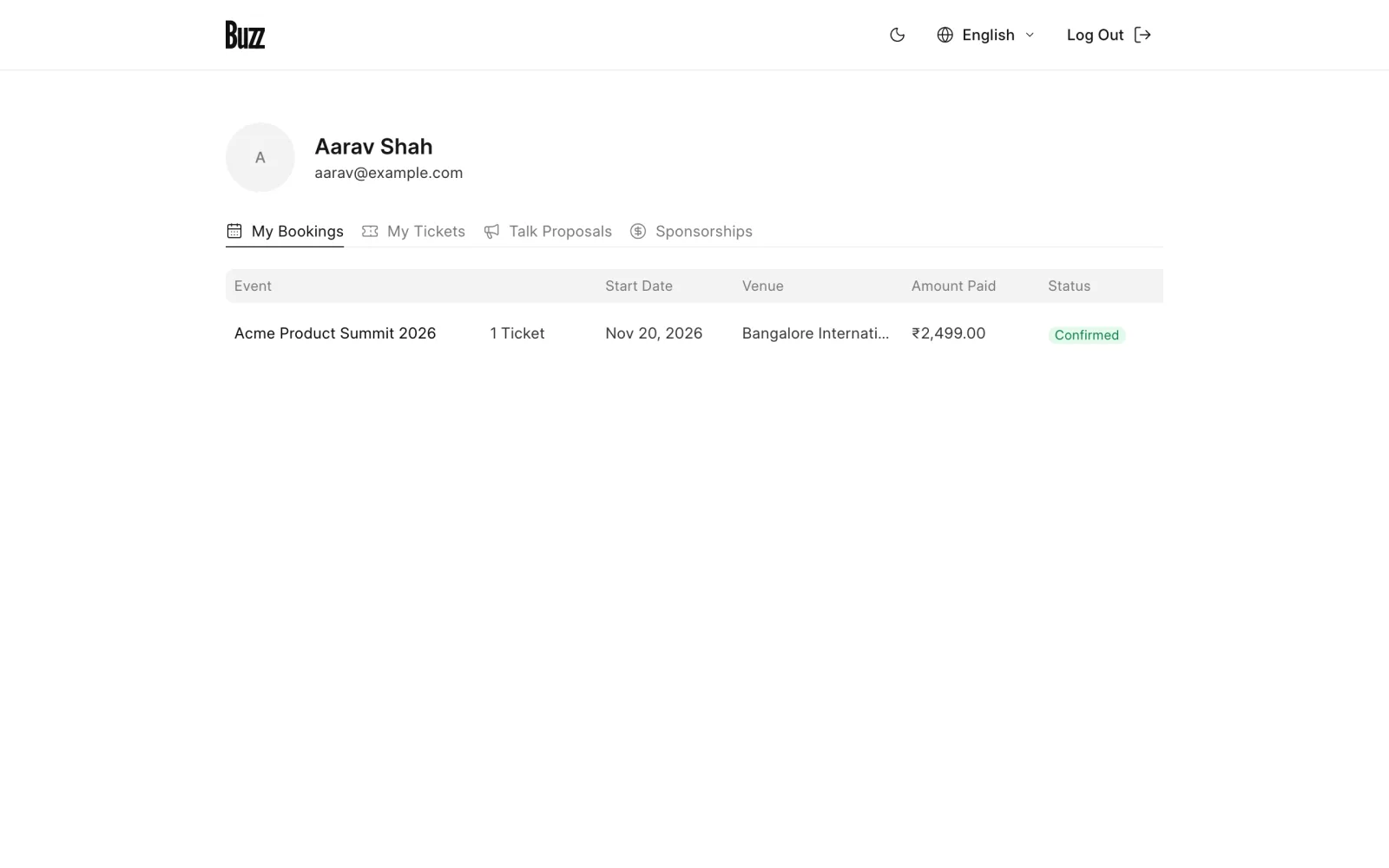
Open your account from the menu under your name. You'll find:
- My Bookings. Every booking you made, with its status and payment details.
- My Tickets. One ticket per attendee, with its QR code.
- Talk Proposals. Talks you submitted. See Submit a talk.
- Sponsorships. Sponsorship enquiries you made. See Sponsor an event.
Your tickets
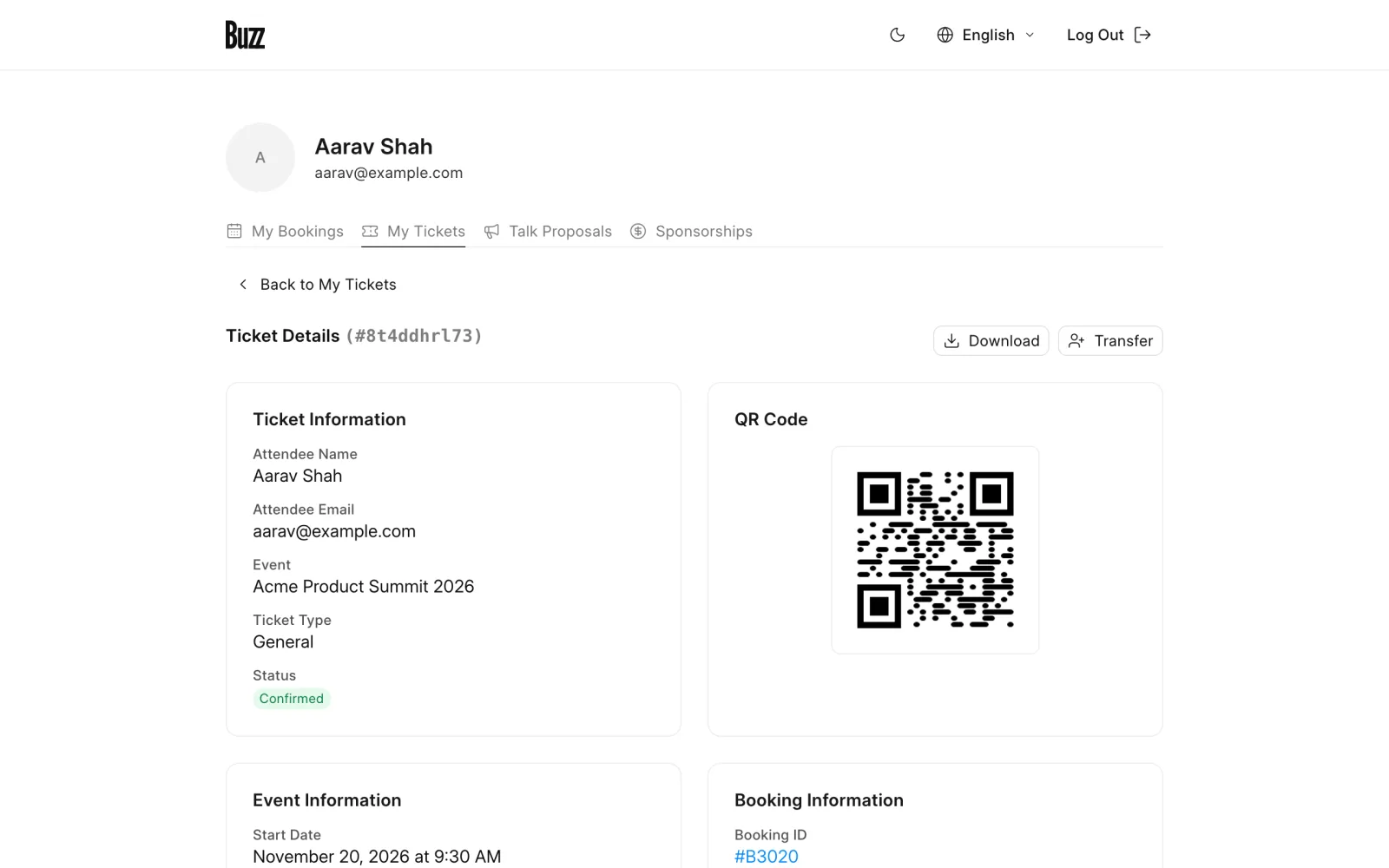
Open a ticket to see:
- The attendee's name and email, the ticket type, and any add-ons.
- The event's dates and details.
- The ticket's QR Code. Show it at the door to check in. Use Download to save it.
- For online events, a button to join the meeting.
Booking statuses
- Confirmed. You're all set.
- Approval Pending. You paid offline, and the organiser is checking your payment.
- Approved. The organiser accepted your offline payment.
- Rejected. The organiser could not confirm your payment. Contact them for help.
To change add-ons, transfer a ticket, or cancel, see Change, transfer or cancel a ticket.
Last updated 1 week ago
Was this helpful?