


.webp)
Page theme and archiving
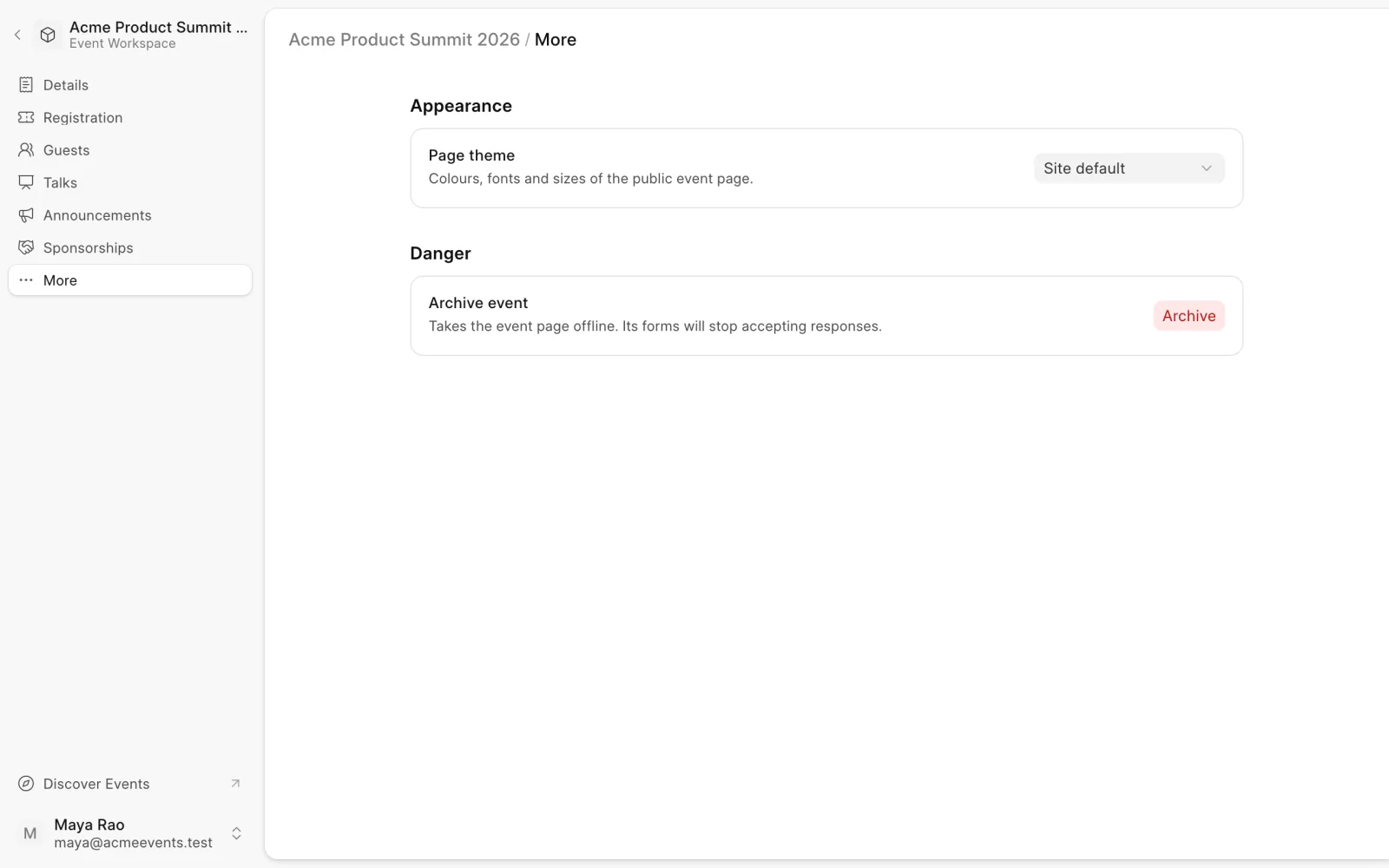
The More page holds an event's look and its archive switch. Open an event and choose More in the sidebar.
Page theme
Under Appearance, pick a Page theme. The theme sets the colours, fonts and sizes of the public event page. Site default uses your site's standard theme.
Archive an event
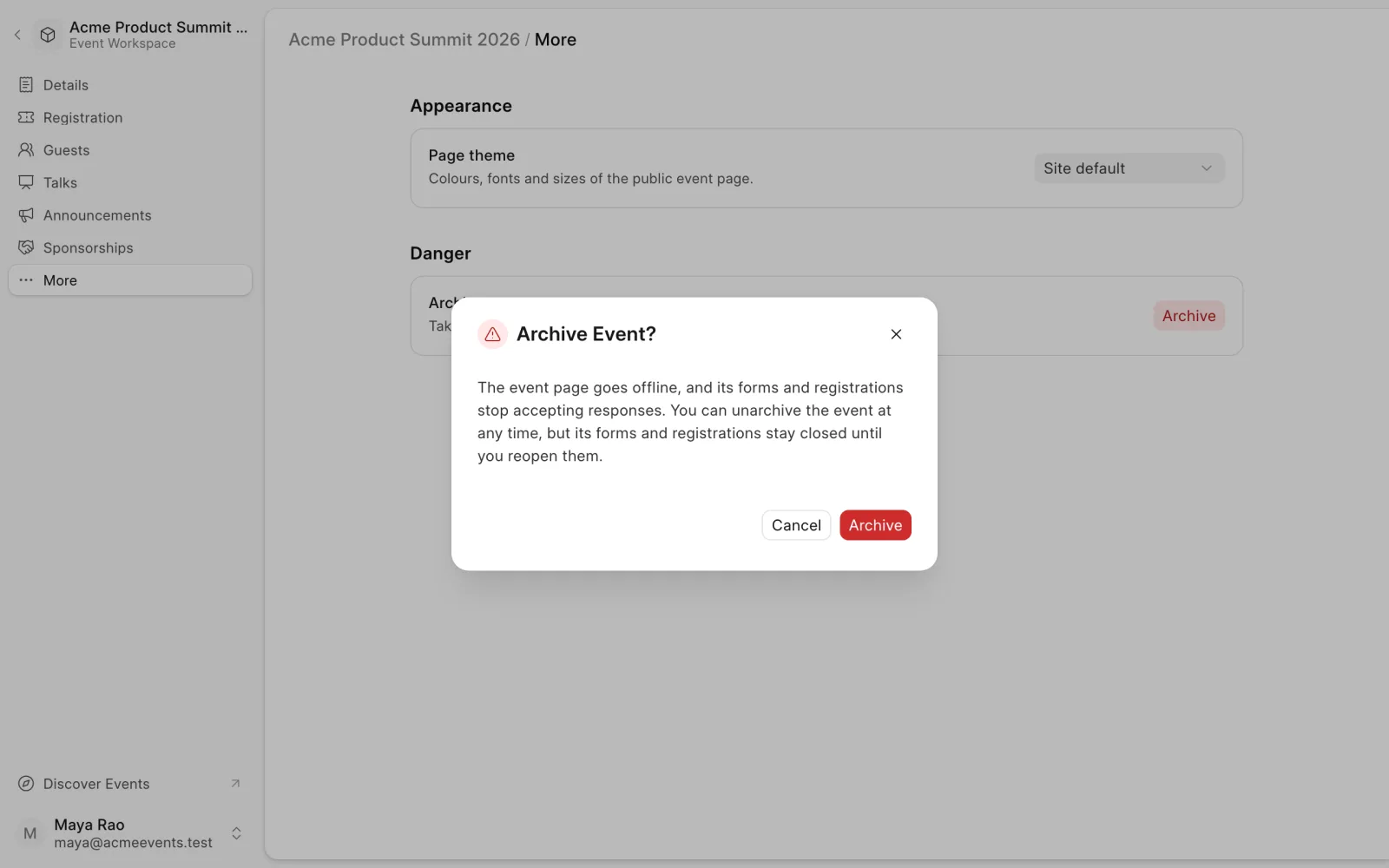
Archiving takes the event page offline. Its forms and registrations close.
- Under Danger, next to Archive event, click Archive.
- Confirm with Archive.
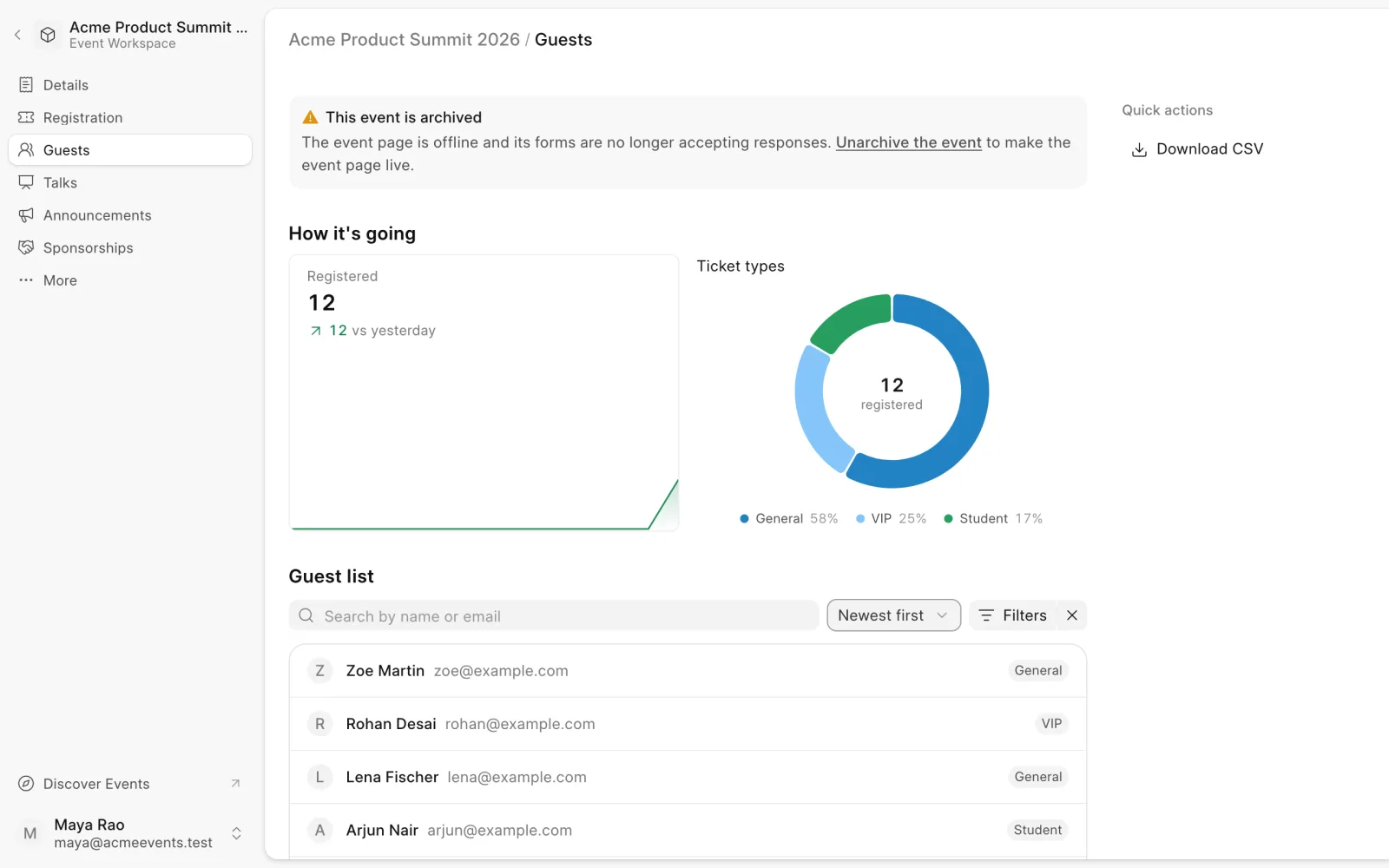
An archived event shows This event is archived at the top of its dashboard pages. Your data stays, so you can still see registrations, talks and sponsors.
Unarchive an event
On the More page, next to Unarchive event, click Unarchive. You can also use the link in the archived banner. The event page goes back online.
Registrations and forms stay closed. Reopen them yourself when you're ready, for example from the Registration page.
Last updated 1 week ago
Was this helpful?