


.webp)
Everything you run in Buzz belongs to a team. A team is the group of people who organise events together, such as a company, a community, or a meetup crew.
How teams work
- Every event belongs to one team. Everyone on that team can see the event. What they can change depends on their role.
- People join a team with a role. The role decides what they can do across all of the team's events.
- You can be on more than one team. Each membership has its own role.
- Attendees don't need a team. People who book tickets, submit talks or enquire about sponsorships only need a Buzz account, and sometimes not even that.
When you're on a team, Buzz opens on your team's Events list. Without a team, it opens on your own bookings.
Roles
| Role | What they can do |
|---|---|
| Owner | Created the team. Full control, and cannot be removed. |
| Admin | Everything an owner can do, except deleting the team. |
| Manager | Creates and edits events. Cannot delete records or manage members. |
| Frontdesk | Checks attendees in at the door, and nothing else. |
| Viewer | Reads the team's events and details. Changes nothing. |
Only Owners and Admins can add members, change roles, or remove people. Frontdesk is the role that opens the check-in scanner.
Team settings
Open Settings → Teams from the menu under your name, then pick a team.
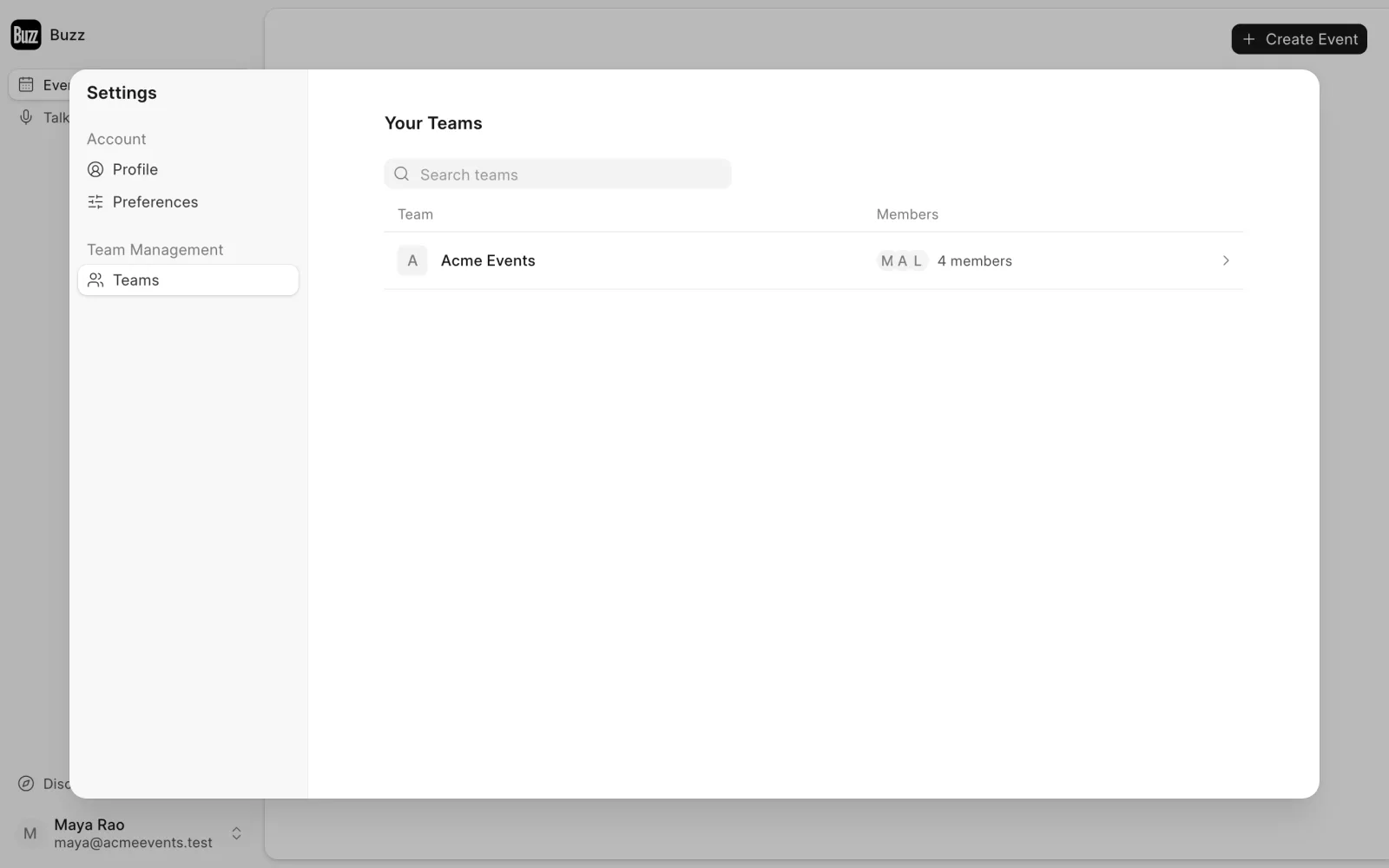
- Team name and logo. The logo shows wherever the team appears.
- Support email. Replies to every email your team sends go here. Set it from Announcements → Email settings on any event.
Last updated 1 week ago
Was this helpful?