.webp)



Step 1: Create the theme
In this step, you create the acme_theme app and the Acme theme record. At the end, Commera has made the empty theme folders in your app.
What you'll build
- The
acme_themeFrappe app, installed on your site - The Acme Shop Theme record, with Shop Base Theme as its parent
- The empty
themes/acme/andpublic/themes/acme/folders in your app
1. Create a Frappe app
-
Go to your bench directory.
-
Run
bench new-app:bench new-app acme_theme -
At App Title, type
Acme Theme. -
Answer the other prompts: description, publisher, email, license, the GitHub workflow and the branch name.
-
Install the app on your site:
bench --site your.site install-app acme_theme -
Open
acme_theme/hooks.pyand add Commera as a required app:required_apps = ["commera"]
The title that you typed also becomes the app's module. With the title Acme Theme, the module is Acme Theme. You select this module on the theme record.
In this guide, file paths start at the app's repository root, apps/acme_theme/. For example, acme_theme/hooks.py is apps/acme_theme/acme_theme/hooks.py.
2. Create the Shop Theme record
-
In Desk, open the Shop Theme list at
/desk/shop-theme. -
Click + Add Shop Theme.
-
Fill in the form:
Field Value Theme Name AcmeModule Acme Theme. Change it from the default,Shop Themes.Is Standard Ticked Parent Theme Shop Base ThemeTheme Settings Leave it empty Config Leave it empty -
Click Save.
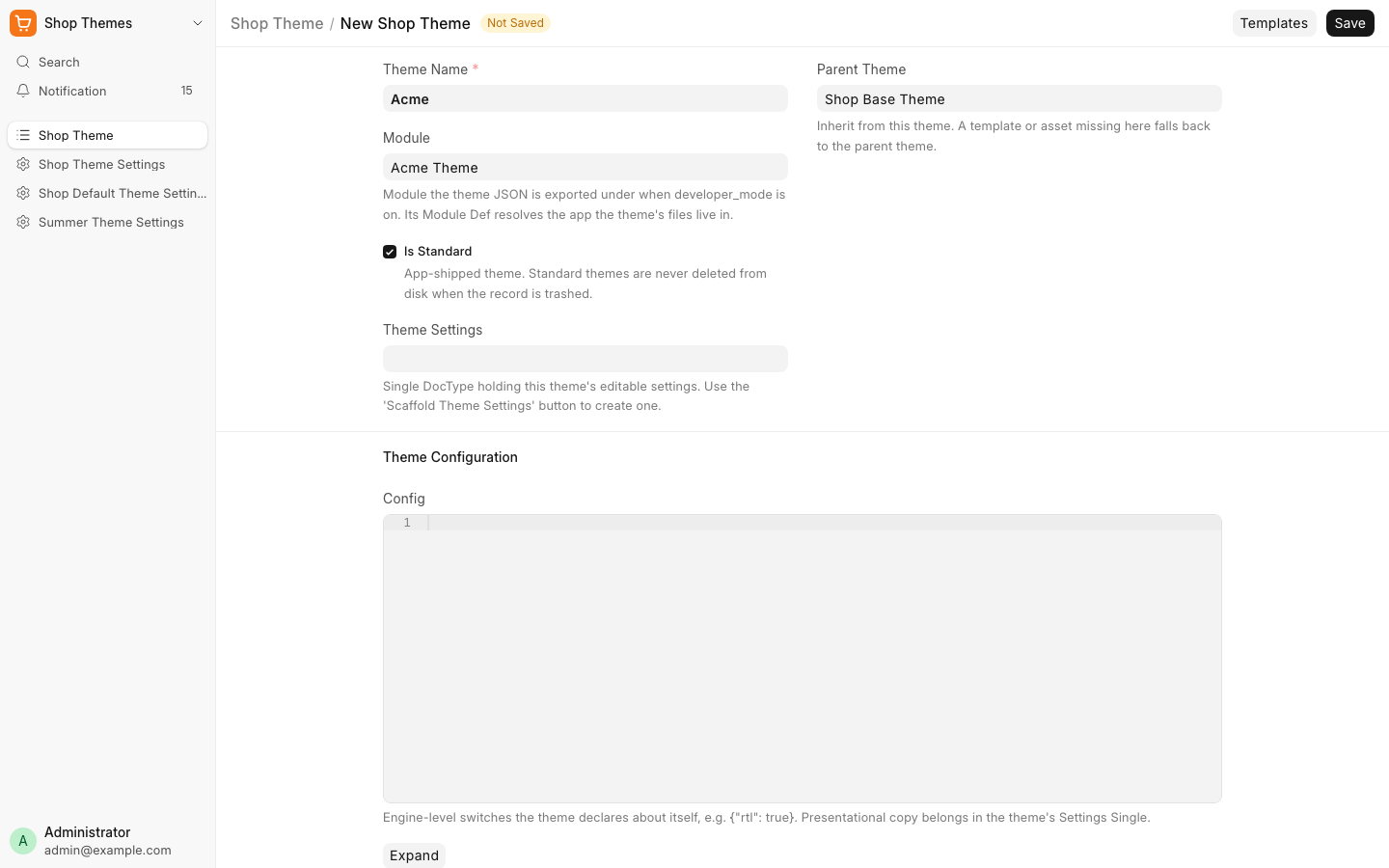
A theme name can have letters, digits, spaces, - and _. Commera makes the folder name from it: Acme becomes acme, and Acme Catalog becomes acme_catalog.
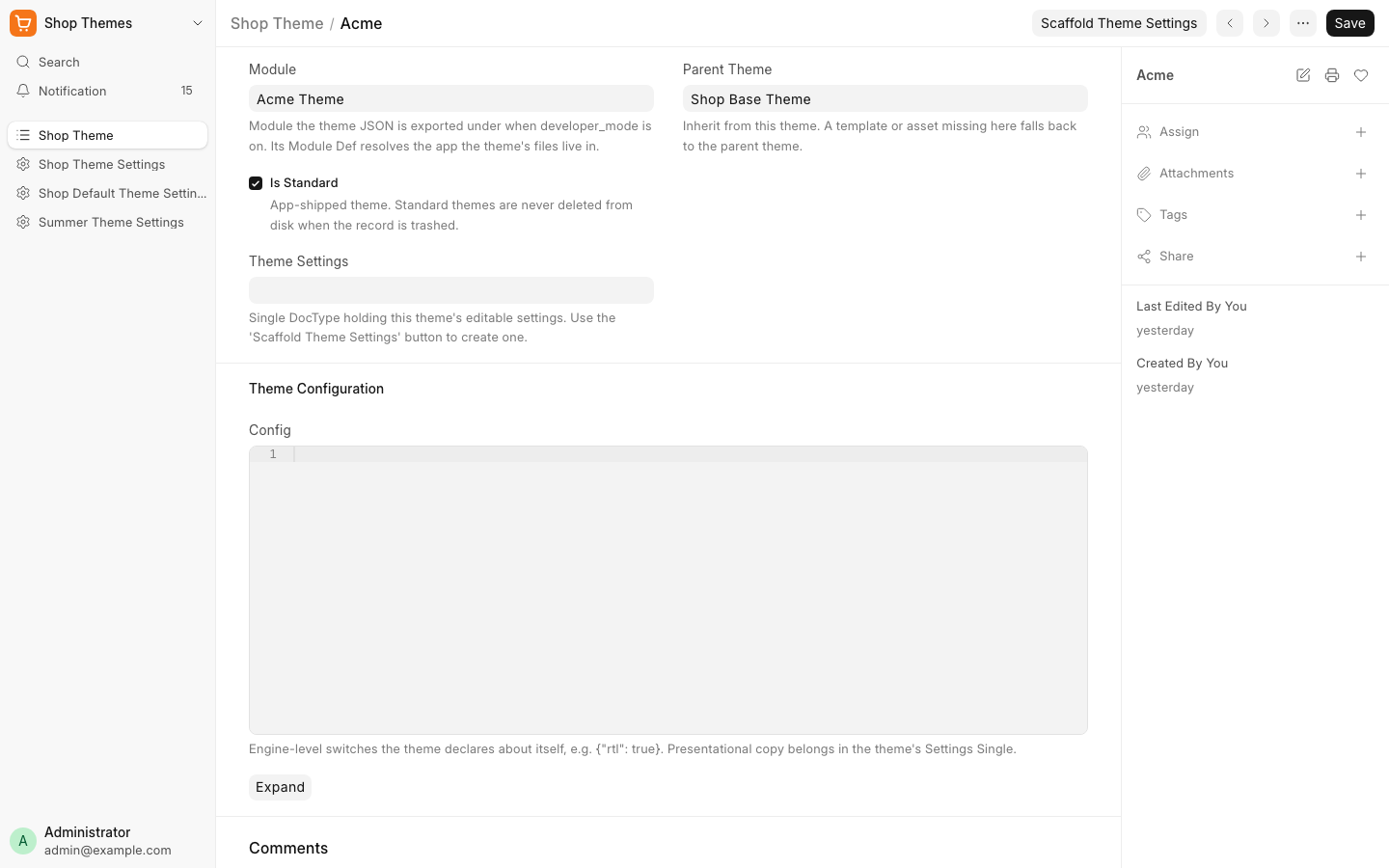
After the save, the form shows the theme name as its title, and the Theme Name field is no longer on the form.
3. Look at the folders
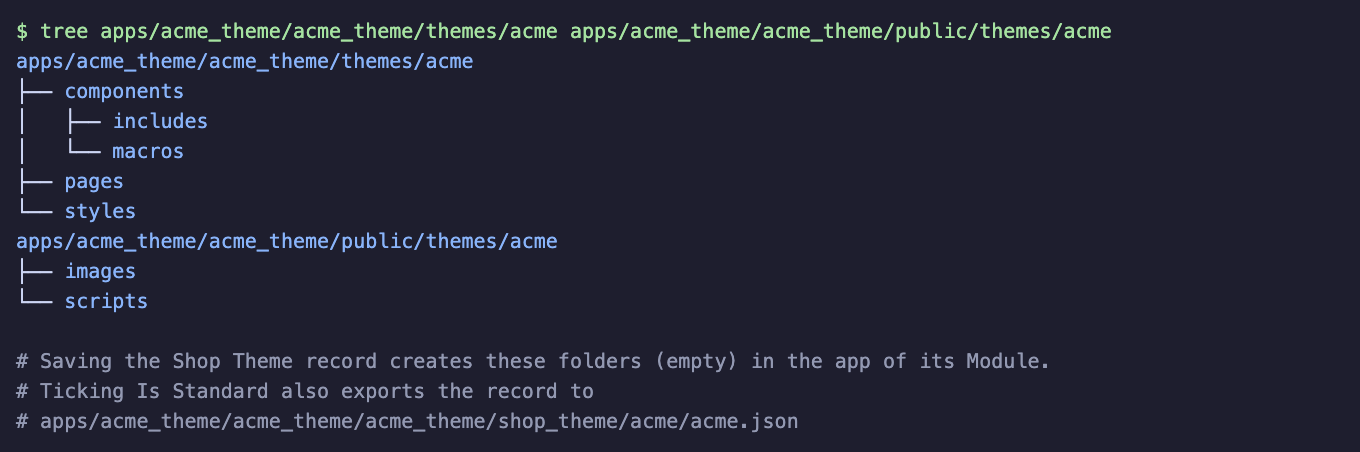
The save made these folders, all empty, in your app:
acme_theme/
├── themes/acme/
│   ├── components/
│   │   ├── includes/
│   │   └── macros/
│   ├── pages/
│   └── styles/
├── public/themes/acme/
│   ├── images/
│   └── scripts/
└── acme_theme/shop_theme/acme/acme.json
| Folder | What goes in it |
|---|---|
acme_theme/themes/acme/components/ |
The layout, includes and macros that pages use |
acme_theme/themes/acme/pages/ |
One .html file for each page, and an optional .py controller |
acme_theme/themes/acme/styles/ |
CSS sources for a Tailwind build. Acme does not use it. |
acme_theme/public/themes/acme/ |
CSS, scripts, images and fonts that the browser loads |
acme_theme/acme_theme/shop_theme/acme/acme.json |
The theme record. bench migrate imports it on other sites. |
Git does not keep empty folders. That is not a problem: Commera needs only the folders that hold files.
Next steps
- Step 2: Add a layout
- Architecture: every folder and what it holds