.webp)



Buy your own product the way a shopper would, then find the order in your dashboard, to prove your products, payments and shipping all work together.
Before you start
Finish Add your first product, Connect a payment gateway and Set up shipping. You will need a customer account on the storefront to check out, the same way a shopper would sign up.
A new product starts with no stock, so the size you plan to buy needs stock first. On the product page, open the row's ⋯ menu in Variants and choose Receive stock, then enter a Quantity received.
Steps
-
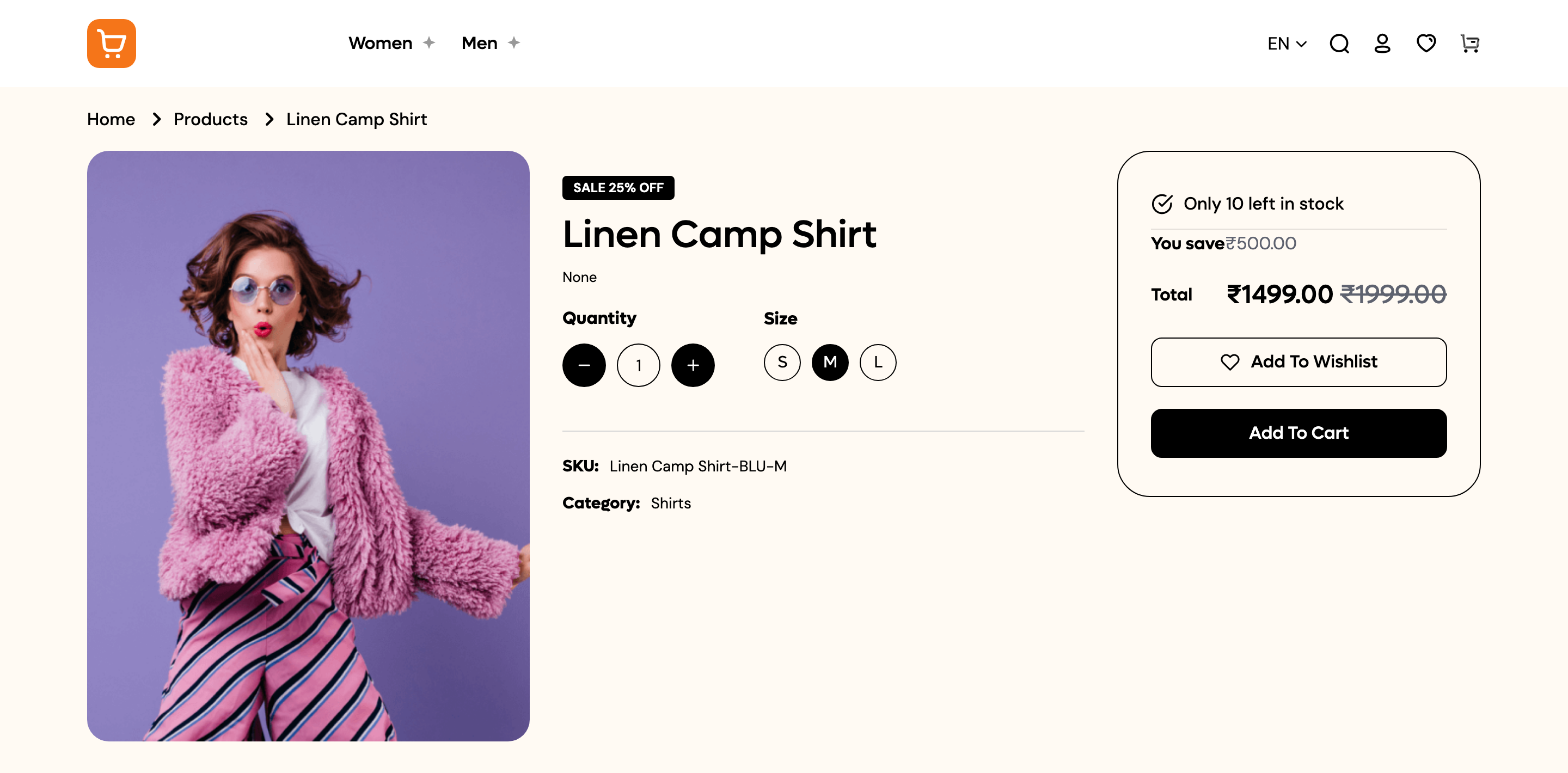
Open your product on the storefront. Pick a size, then click Add To Cart. You will see the message "Item added to your bag", and the cart icon shows a count.
-
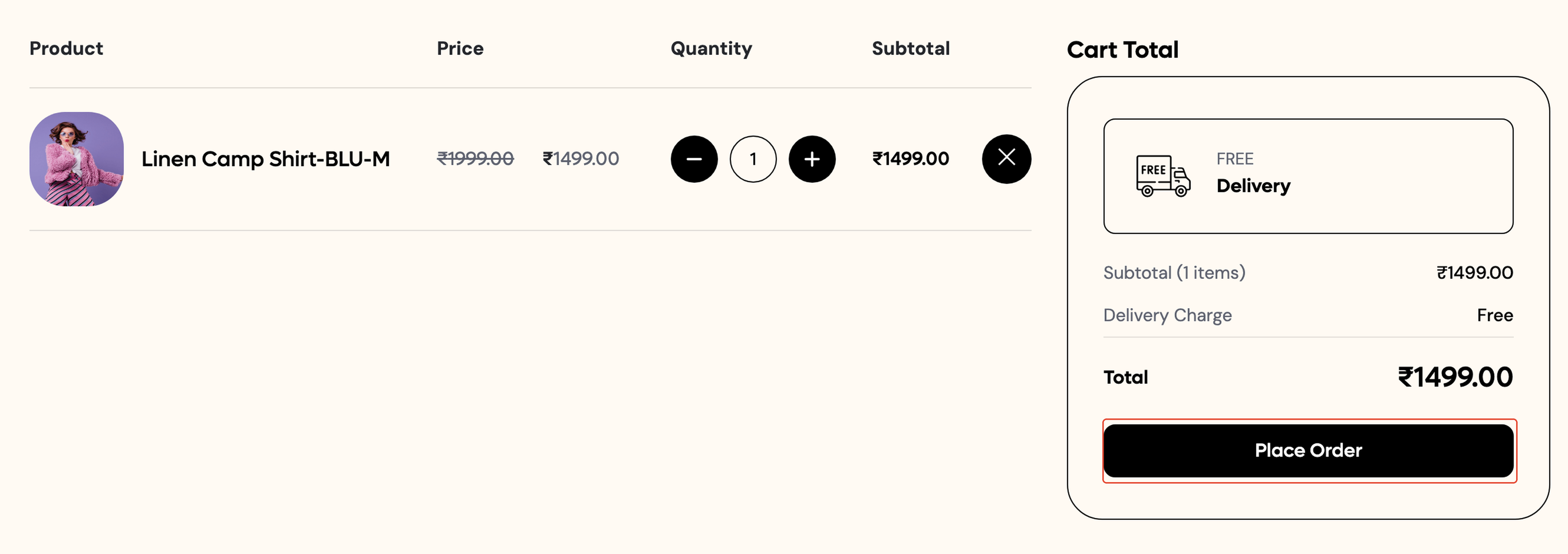
Open the cart. On the Shop Cart page, check the Cart Total box, then click Place Order.
-
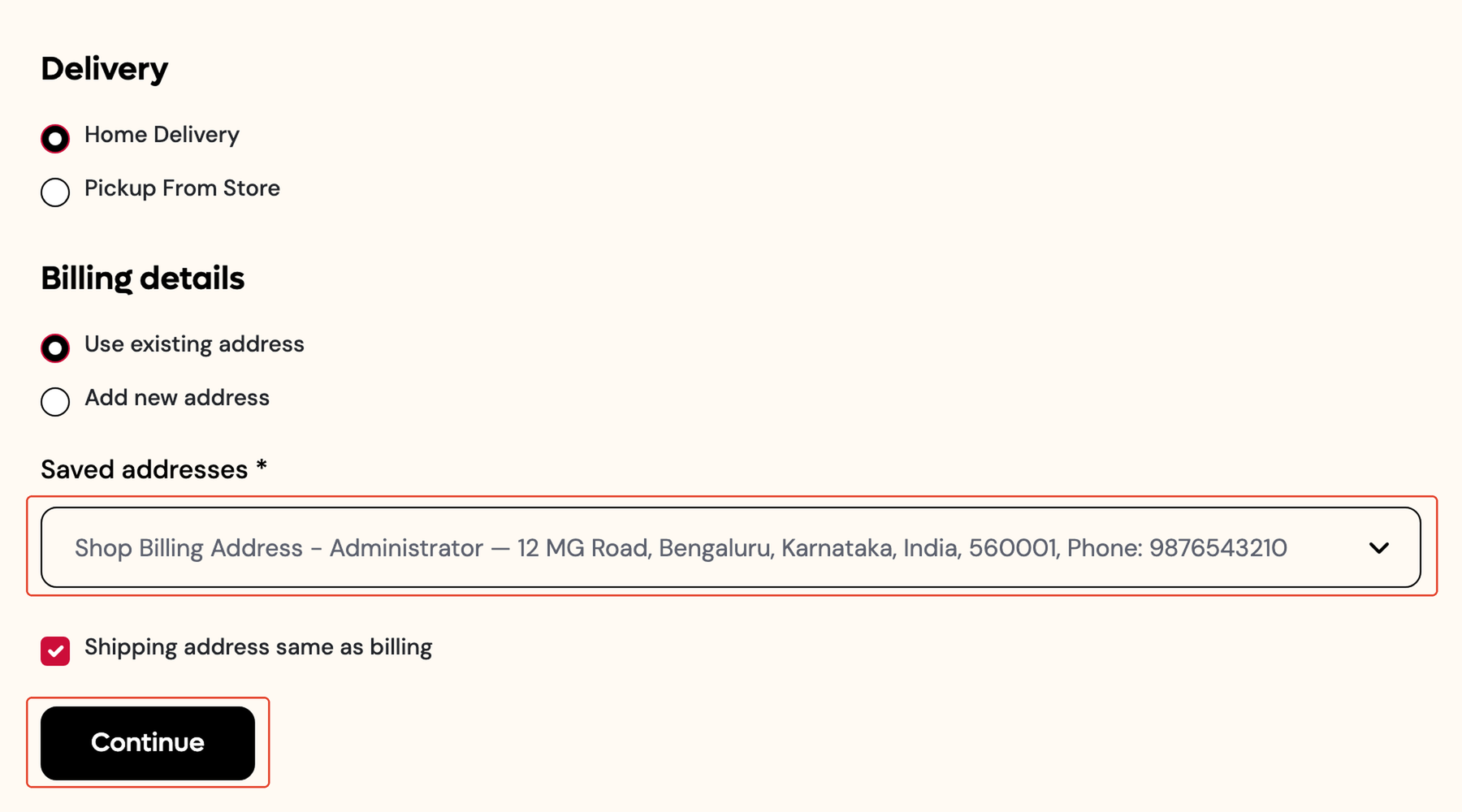
On the Shop Checkout page, choose Home Delivery or Pickup From Store under Delivery, then pick or add an address under Billing details. Click Continue. You will see the message "Delivery details saved. Choose a payment method to place your order."
-
Under Your Order, pick a Delivery Method from the delivery options you set up, then pick a Payment Method: one of your connected gateways, or Cash on Delivery. For this test, choose Cash on Delivery.
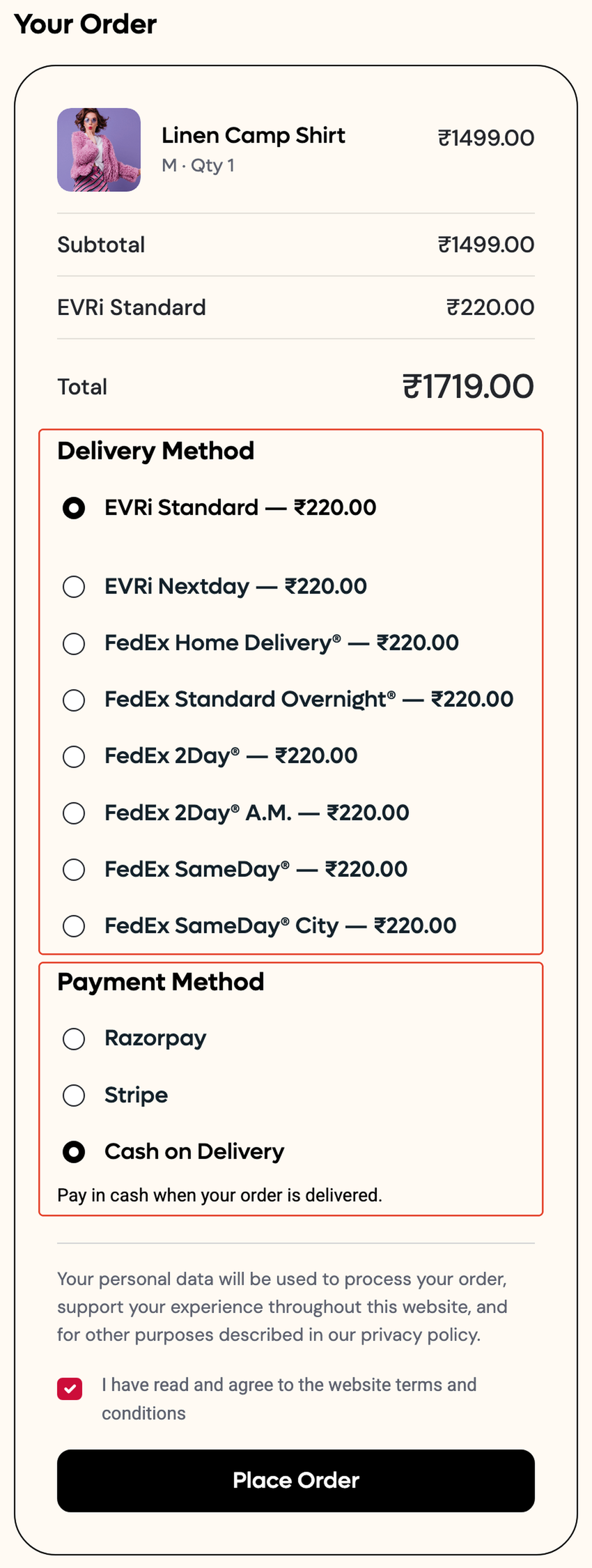
If your order total is below the Charge below order value amount you set for cash on delivery, a small charge is added here. See Connect a payment gateway for that setting.
-
Tick I have read and agree to the website terms and conditions, then click Place Order. This button stays disabled until you have ticked the box and picked a payment method.
-
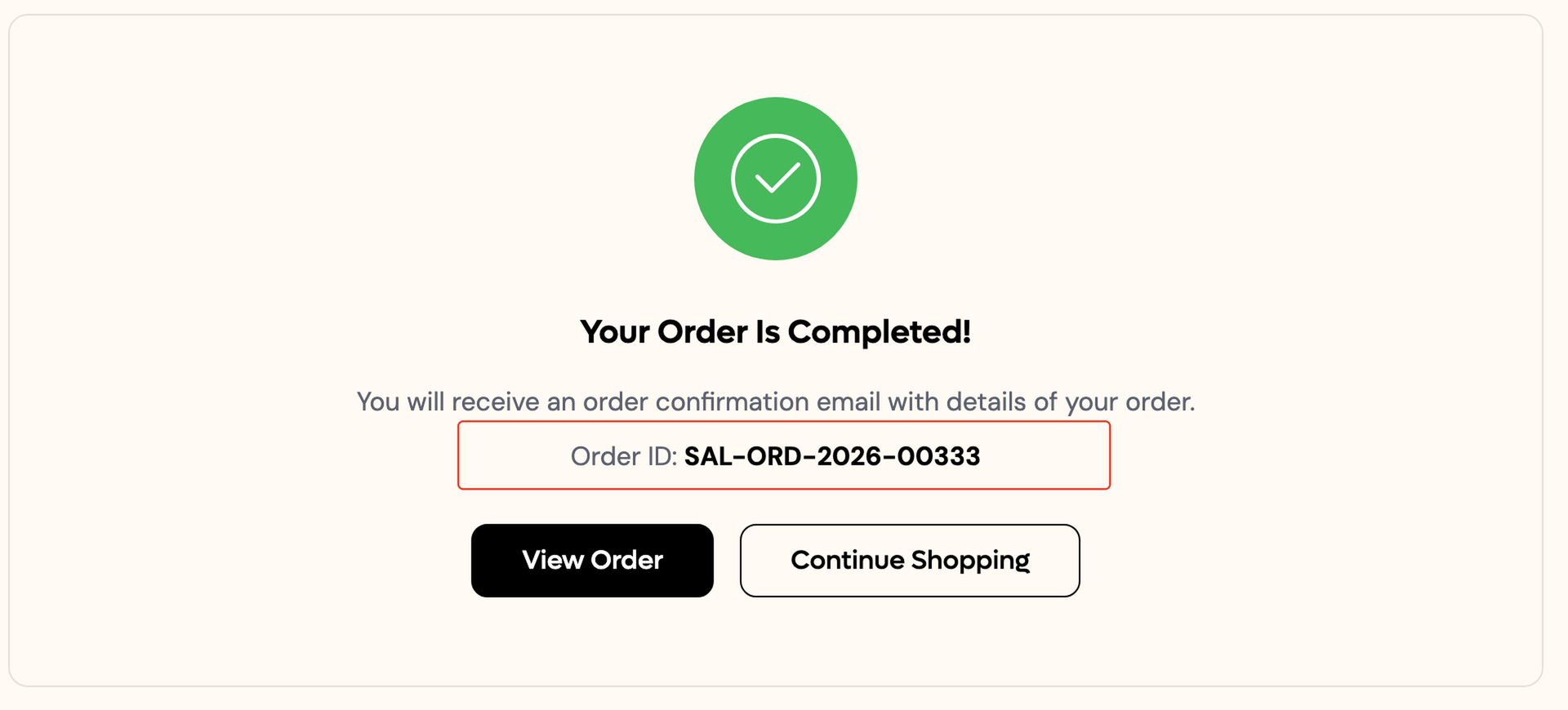
You will land on the Order Confirmed page: "Your Order Is Completed!", with your Order ID and buttons to View Order or Continue Shopping.
-
In the dashboard, go to Orders. Your test order is at the top of the list.

Check it worked
Your test order shows in Orders with Payment Cash on delivery and Fulfilment Confirmation pending.