.webp)





Move the theme to another site, and learn why a page your client has published does not change when you edit its layout file.
Move the theme to another site
Everything you wrote is in the app: the section files, the layouts, the photos, the built CSS and the Diwali Settings doctype. So you move the app.
-
Commit the app. Add
package.jsonand the built stylesheet,public/themes/diwali/tailwind.output.css. Do not addnode_modules, because the app's.gitignorealready leaves it out. Push the app to your Git host. -
On the other bench, get the app and install it on the site:
bench get-app <your-repo-url> bench --site shop.example.com install-app acme_themesinstall-appmakes the Diwali theme and the Diwali Settings doctype on the new site. The new site has no saved pages, so it shows your layout files. It still runs its old theme. -
Open
/commeraon the new site and finish its setup. -
Open Storefront, then Themes, and click Switch Theme next to Diwali.
-
On the Home page, click Publish store. Until then, visitors see "We're getting the store ready."
When you change the app later, run
bench --site shop.example.com migrateon each site to bring it up to date.
The new site shows your theme as you wrote it, with your defaults. Festive picks stays hidden until the site has products on sale. The new site does not have the client's work, because that is not in the app. See the next part.
Where the client's work lives
| What | Where it is saved |
|---|---|
| Your section files, layouts, photos, CSS and setting defaults | In your app, in Git |
| A page the client saved or published in the editor | In the site, as a Theme Layout record. The home page is called Diwali-index. |
| Brand Colour, fonts and the other Theme settings the client saved | In the site, in the Diwali Settings record |
| Photos the client uploaded | In the site's files |
A published page hides your layout file
The layout file, layouts/index.json, is only the starting point. When your client publishes a page, their version is used from then on.
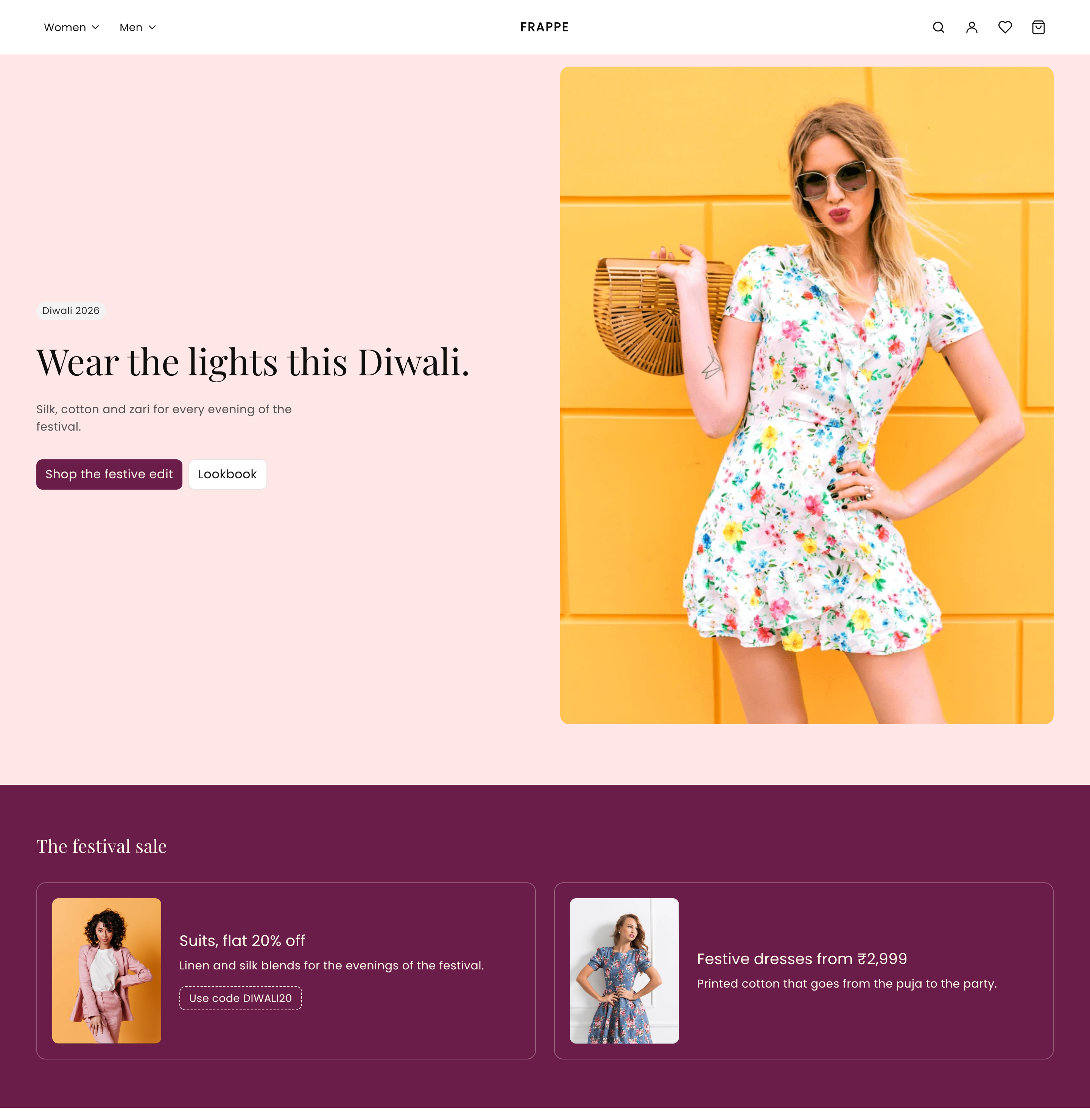
Try it. The client has published the home page, with the heading "Wear the lights this Diwali." Open layouts/index.json and change the hero's settings:
"settings": { "heading": "Edited in the file.", "background": "warm" },
Load the store:
curl -s http://127.0.0.1:8000/en | grep -o 'Wear the lights this Diwali\.\|Edited in the file\.\|Light up the festival in something new\.' | head -1
Wear the lights this Diwali.
Your change is not there. The client's published page wins.
To see your file again, delete the saved page:
bench --site dev.localhost execute frappe.delete_doc --args "['Theme Layout', 'Diwali-index']"
Load the store again:
Edited in the file.
The store now follows your file. This deletes the client's edits to that page, so ask first.
The same is true of header_group.json and footer_group.json.
What you did
You started from Commera Starter and made it your Diwali theme. You changed the hero, added three sections, and set the colours and fonts. Your client opened the editor and made it theirs: their words, their photos and their colour.